%20--%3e%3csvg%20version='1.1'%20id='Layer_1'%20xmlns='http://www.w3.org/2000/svg'%20xmlns:xlink='http://www.w3.org/1999/xlink'%20x='0px'%20y='0px'%20viewBox='0%200%20100%20100'%20style='enable-background:new%200%200%20100%20100;'%20xml:space='preserve'%3e%3cstyle%20type='text/css'%3e%20.st0{fill:%23067EAA;}%20.st1{fill:%23FFFFFF;}%20%3c/style%3e%3cg%3e%3cpath%20class='st0'%20d='M85.8,33.4C86.6,51.7,57.7,97,55.1,97.1c-2.4,0.1-35.5-42.5-36.3-60.7c-0.8-18.3,13.5-33.8,32-34.6%20C69.3,0.9,85,15.1,85.8,33.4z'/%3e%3cpath%20class='st1'%20d='M70.9,31.5c0.4,9.9-7.6,18.3-17.9,18.7c-10.3,0.5-19.1-7.2-19.5-17c-0.4-9.9,7.6-18.3,17.9-18.7%20C61.7,14,70.5,21.6,70.9,31.5z'/%3e%3c/g%3e%3c/svg%3e)
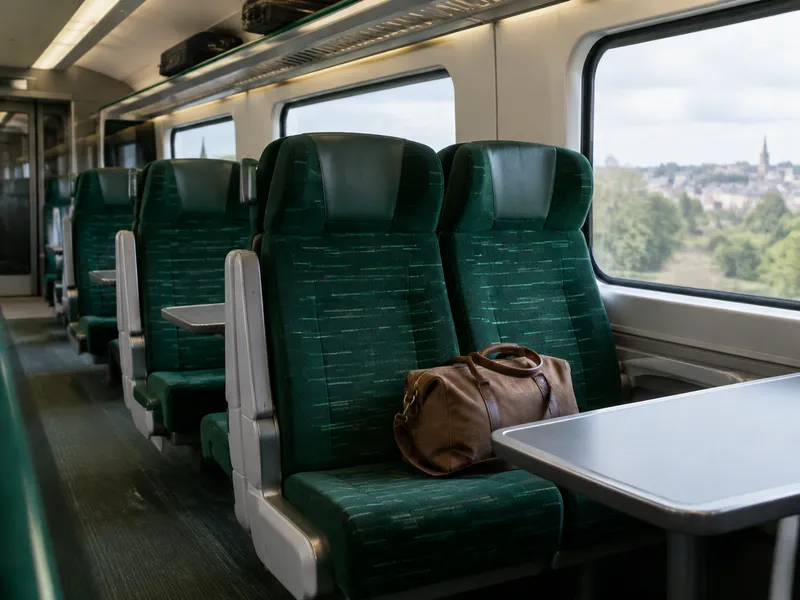
What to Do If You Lose Something on GWR
Great Western Railway (GWR) handles lost property recovered at its stations and on its trains. Items lost on trains are often recovered at the train's final destination, which may be managed by a different operator.
Immediate Steps
- Note the train service, the stations you travelled between, the date and time, and where you think you left the item.
- If you are still on the train or at the station, ask staff immediately.
- Report the loss to GWR as soon as possible.
How to Contact GWR Lost Property
Official information: GWR Lost Property
At a GWR-Managed Station
Report it using the GWR lost property form. Only GWR-managed stations are listed. If your station is not shown, use the National Rail website to find the relevant station operator.
On a GWR Train
Items lost on trains are often recovered at the train's final destination, although this cannot be guaranteed. As a result, an item may be found by a different station operator. Start by reporting the loss to GWR using the GWR lost property form. They will let you know if you should also register with another operator.
Lost Property Office
Unidentified items found by GWR are sent to the lost property office at Bristol Temple Meads station. Where possible, identified items may be held at the finding station for collection. Items usually reach Bristol within 7 days, but it can take longer.
Collection and Fees
- Items are kept for 3 months after they are found.
- You can collect the item, or it can be returned by post or courier. You pay for any associated postage or courier fees.
- GWR does not charge to store or handle lost property.
- Register the outermost item first (for example, a bag) and list any contents in the description.
Tips Before You Report
- Have the journey details, date, time, and a clear description ready.
- Allow time for your item to reach the lost property office; this usually takes up to 7 days, but sometimes longer.
- For valuables, also consider reporting to police if theft is suspected.
Post on Find-It
- Choose "I Lost Something" → On Transportation.
- Enter the Item Name and select the Item Type.
- Set the Date Lost.
- In Item Description, add color, brand, identifying details, and your journey's stations and departure time.
- Under Transportation Type, select Train.
- Under Company / Brand, search for GWR and select Great Western Railway (GWR).
- Under Line / Route Number, select your route if listed, or enter the route or service in "Or type a custom route / line number...".
- Add your contact details, accept the terms and privacy policy, and click Publish.
After publishing, watch for contact from train crew, station staff, or a fellow passenger.
Report an ItemLost something? Post it now.
Find-It connects lost items with finders worldwide. Free to post.
Post a Lost or Found Item