%20--%3e%3csvg%20version='1.1'%20id='Layer_1'%20xmlns='http://www.w3.org/2000/svg'%20xmlns:xlink='http://www.w3.org/1999/xlink'%20x='0px'%20y='0px'%20viewBox='0%200%20100%20100'%20style='enable-background:new%200%200%20100%20100;'%20xml:space='preserve'%3e%3cstyle%20type='text/css'%3e%20.st0{fill:%23067EAA;}%20.st1{fill:%23FFFFFF;}%20%3c/style%3e%3cg%3e%3cpath%20class='st0'%20d='M85.8,33.4C86.6,51.7,57.7,97,55.1,97.1c-2.4,0.1-35.5-42.5-36.3-60.7c-0.8-18.3,13.5-33.8,32-34.6%20C69.3,0.9,85,15.1,85.8,33.4z'/%3e%3cpath%20class='st1'%20d='M70.9,31.5c0.4,9.9-7.6,18.3-17.9,18.7c-10.3,0.5-19.1-7.2-19.5-17c-0.4-9.9,7.6-18.3,17.9-18.7%20C61.7,14,70.5,21.6,70.9,31.5z'/%3e%3c/g%3e%3c/svg%3e)
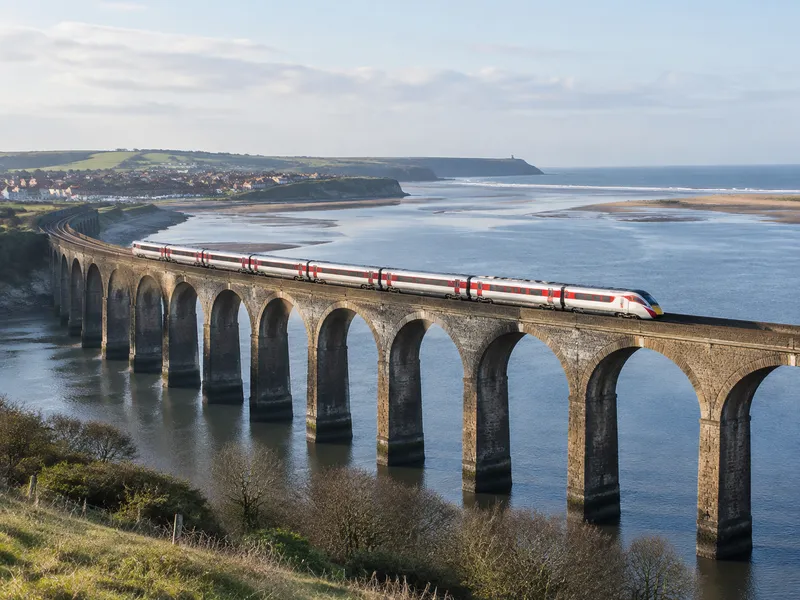
What to Do If You Lose Something on LNER
London North Eastern Railway (LNER) runs intercity services on the East Coast Main Line. Lost property is handled according to the station or the terminating station of the train. Major stations use Network Rail; other locations use MissingX.
Immediate Steps
- Note the train service, the stations you travelled between, the date and time, and where you think you left the item.
- If you think you left the item at a station, contact that station first.
- Report the loss as soon as possible.
How to Contact LNER Lost Property
Official information: LNER Lost Property
At a Station
If you think you left your item at a station, contact that station first. Details of all UK stations can be found on National Rail Enquiries.
Network Rail Stations
If you have lost an item at London King's Cross, Leeds, Edinburgh Waverley or Glasgow Central, visit LostProperty.org.
Other LNER Stations
For items lost at any other location across the LNER route (excluding the Network Rail stations above), register an online report with MissingX. MissingX is the provider of the LNER lost property database. LNER will search for your item for up to three months.
Train to Scotland
If you have lost an item on a train to Scotland (excluding trains terminating at Edinburgh Waverley), contact ScotRail lost property.
Lost Property Hub
Any items found are handed in and securely stored for 12 weeks at the Lost Property Hub in Newark Northgate. LNER operates services from Inverness to London King's Cross, so your item may be in the possession of another train operator depending on where it was misplaced.
Collection and Fees
- Items can be collected in person, or you can pay to have it couriered to you.
- Have identification and proof of ownership ready.
Tips Before You Report
- Have the journey details, date, time, and a clear description ready.
- Items may be with another operator depending on the terminating station.
- For valuables, also consider reporting to police if theft is suspected.
Post on Find-It
- Choose "I Lost Something" → On Transportation.
- Enter the Item Name and select the Item Type.
- Set the Date Lost.
- In Item Description, add color, brand, identifying details, and the stations you travelled between.
- Under Transportation Type, select Train.
- Under Company / Brand, search for and select LNER.
- Under Line / Route Number, enter the route or service in "Or type a custom route / line number...".
- Add your contact details, accept the terms and privacy policy, and click Publish.
After publishing, watch for contact from train crew, station staff, or a fellow passenger.
Report an ItemLost something? Post it now.
Find-It connects lost items with finders worldwide. Free to post.
Post a Lost or Found Item