%20--%3e%3csvg%20version='1.1'%20id='Layer_1'%20xmlns='http://www.w3.org/2000/svg'%20xmlns:xlink='http://www.w3.org/1999/xlink'%20x='0px'%20y='0px'%20viewBox='0%200%20100%20100'%20style='enable-background:new%200%200%20100%20100;'%20xml:space='preserve'%3e%3cstyle%20type='text/css'%3e%20.st0{fill:%23067EAA;}%20.st1{fill:%23FFFFFF;}%20%3c/style%3e%3cg%3e%3cpath%20class='st0'%20d='M85.8,33.4C86.6,51.7,57.7,97,55.1,97.1c-2.4,0.1-35.5-42.5-36.3-60.7c-0.8-18.3,13.5-33.8,32-34.6%20C69.3,0.9,85,15.1,85.8,33.4z'/%3e%3cpath%20class='st1'%20d='M70.9,31.5c0.4,9.9-7.6,18.3-17.9,18.7c-10.3,0.5-19.1-7.2-19.5-17c-0.4-9.9,7.6-18.3,17.9-18.7%20C61.7,14,70.5,21.6,70.9,31.5z'/%3e%3c/g%3e%3c/svg%3e)
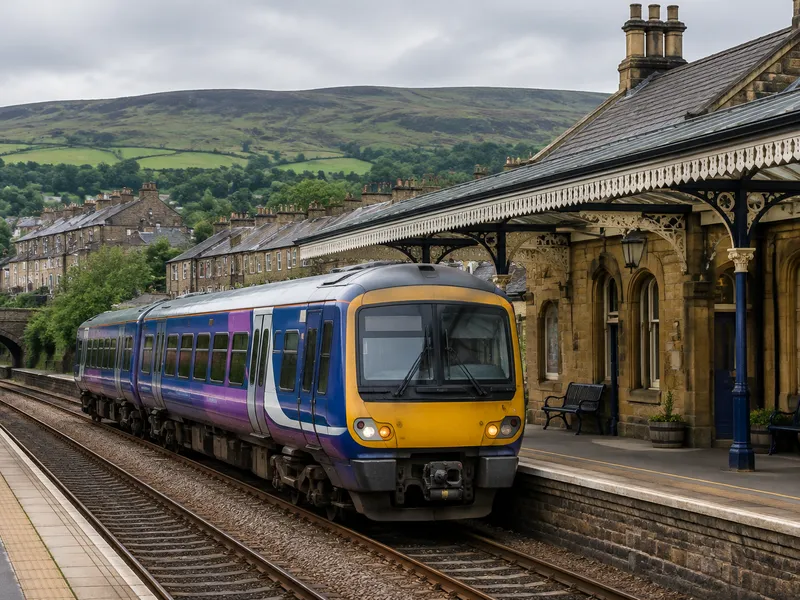
What to Do If You Lose Something on Northern
Northern runs local and regional services across the North of England. Lost property is reported to the Customer Experience Centre or station staff.
Immediate Steps
- Note the train service, the stations you travelled between, the date and time, and where you think you left the item.
- If you are still on the train or at the station, tell a member of staff immediately.
- Contact the lost property team as soon as possible.
How to Contact Northern Lost Property
Official information: Northern Lost Property
Customer Experience Centre
Telephone: 0800 200 6060
Station Teams
Some stations have their own lost property team. Contact the station directly if you know where your item was handed in.
What to Include When Reporting
Include a description of the item, the service you were on (departure time, origin and destination) and, if possible, which carriage you were in.
Items Found on Board
Items found on trains are handed in at the terminating station. Contact the station or the Customer Experience Centre.
Collection and Fees
- You can collect the item from the station or arrange a courier. Lost property cannot be placed back on a train.
- To verify ownership you may be asked for identification, or to unlock a found phone.
Tips Before You Report
- Have the journey details, date, time, and a clear description ready.
- Contact the station first if you are still there.
- For valuables, also consider reporting to police if theft is suspected.
Post on Find-It
- Choose "I Lost Something" → On Transportation.
- Enter the Item Name and select the Item Type.
- Set the Date Lost.
- In Item Description, add color, brand, identifying details, the stations you travelled between and, if you know it, the carriage.
- Under Transportation Type, select Train.
- Under Company / Brand, search for and select Northern.
- Under Line / Route Number, enter the route or service in "Or type a custom route / line number...".
- Add your contact details, accept the terms and privacy policy, and click Publish.
After publishing, watch for contact from train crew, station staff, or a fellow passenger.
Report an ItemLost something? Post it now.
Find-It connects lost items with finders worldwide. Free to post.
Post a Lost or Found Item